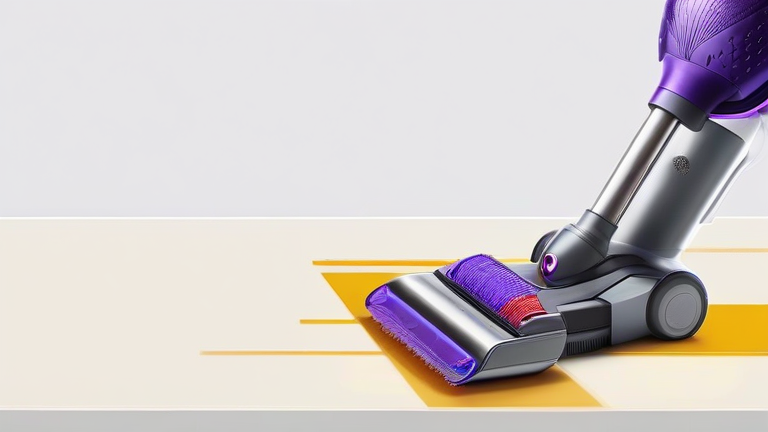
TL;DR: To restore optimal suction on your Dyson V15 Detect, regularly empty the bin, detach the filter, and wash it with cold water only. Additionally, inspect the brush bar and hose for blockages to ensure uninterrupted airflow and peak performance.
Maintaining the pristine suction power of a premium cordless vacuum like the Dyson V15 Detect is essential for getting the most out of your investment. This device is renowned for its laser illumination technology, which reveals microscopic dust particles, and its piezo sensor that automatically adjusts suction power based on debris type. However, even the most advanced engineering can falter if the machine is not properly maintained. Neglecting routine cleaning leads to clogged pathways, reduced battery efficiency, and a noticeable drop in cleaning performance. This guide provides a comprehensive, step-by-step approach to keeping your Dyson V15 Detect in top condition, ensuring it delivers the powerful, consistent suction it was designed for.
Essential Maintenance Steps
The first step in preserving suction is managing the dust bin. While it may seem obvious, users often leave residual dust inside, which can eventually compact and restrict airflow. Empty the bin after every use, but do so gently to avoid dispersing fine dust into the air. Use a dry brush to remove any hair or fibers tangled around the bin’s intake valve. Never use water to clean the bin unless you are performing a deep clean, and always ensure it is completely dry before reattaching it to the main unit.
Next, address the filter system. The Dyson V15 Detect features a fully sealed HEPA filtration system that captures 99.99% of particles as small as 0.3 microns. Over time, this filter becomes clogged with dust, significantly reducing suction. Locate the filter at the rear of the machine and release the catch to remove it. Wash the filter under cold running water until the water runs clear. Do not use detergents or scrub the filter, as this can damage the delicate fibers. Allow the filter to air dry for at least 24 hours. This patience is crucial; reinserting a damp filter can cause mold growth and motor damage.
Clearing Blockages
If suction remains weak after cleaning the bin and filter, inspect the brush bar and the hose. The Laser Slim Fluffy cleaner head is excellent for hard floors but can accumulate hair from carpets. Flip the cleaner head over and use scissors to cut away any wrapped hair. Check the wand and hose for obstructions by holding them up to a light source. If you see a blockage, use a long, flexible object to gently push it through. Avoid using sharp tools that could puncture the internal tubing.
Why Maintenance Matters
Regular maintenance not only improves suction but also extends the lifespan of your vacuum. A clogged filter forces the motor to work harder, leading to overheating and premature wear. Furthermore, a clean vacuum is more hygienic, preventing the recirculation of allergens into your home. By dedicating just a few minutes each week to these tasks, you ensure that your Dyson V15 Detect remains a reliable partner in keeping your home spotless.
FAQ
Q: How often should I wash the filter?
A: You should wash the filter once a month, or more frequently if you have pets or high dust levels in your home.
If you want to dig deeper, check out our guide on 10 Simple Lifestyle Habits to Boost Your Daily Happiness and.
Q: Can I use hot water to clean the Dyson V15 filter?
A: No, you must only use cold water to wash the filter, as hot water can damage the filter media and reduce its effectiveness.
Q: Why is my Dyson V15 Detect showing a red alert light?
A: A red alert light typically indicates a blockage in the system or a full bin. Check the hose, brush bar, and bin intake for obstructions and empty the bin immediately.