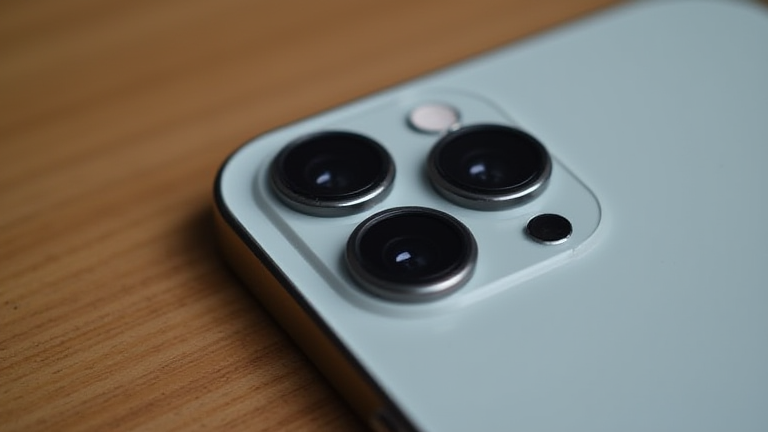
How to Fix Your iPhone Camera Lens: A Step-by-Step Repair
TL;DR: Most common issues with the iPhone camera lens are caused by dirt, fingerprints, or minor software glitches, which can be resolved by thoroughly cleaning the glass and restarting the device. If physical damage is suspected, do not attempt internal repairs yourself; instead, seek professional service to avoid further damage to the internal components.
Before diving into the repair process, it is crucial to understand that the “lens” on an iPhone is part of a sealed, waterproof assembly. You cannot remove or replace the glass lens itself without disassembling the entire phone, which carries a significant risk of voiding your warranty and damaging the water resistance seals. Therefore, this guide focuses on diagnosing and resolving issues that appear to be lens-related but are often caused by external factors or software errors. If your camera is blurry, dark, or not focusing properly, follow these steps in order.
If you want to dig deeper, check out our guide on The 1998 Gap Cargo Pants: A Deep Dive into Vintage Fit.
Step 1: Perform a Deep Clean
The most frequent cause of a “broken” or blurry camera is actually residue on the lens. Oils from your fingers, dust, and water spots create a hazy film that the autofocus system struggles to correct. Start by wiping the back of the phone, specifically the camera module, with a microfiber cloth. Use gentle, circular motions. For stubborn smudges, you can lightly dampen the cloth with a small amount of isopropyl alcohol (90% or higher) or a dedicated electronics cleaner. Never apply liquid directly to the phone, as it can seep into the charging port or speaker grilles. Pay special attention to the edges of the lens, where oils tend to accumulate. After cleaning, test the camera in good lighting to see if the clarity has improved.
Step 2: Restart Your Device
If cleaning does not resolve the issue, the problem may be a temporary software glitch. iOS updates or background processes can sometimes cause the camera module to malfunction, resulting in black screens, green tints, or failure to focus. A simple restart clears the RAM and resets system services. To do this, press and hold the side button and either volume button until the power slider appears. Slide to power off, wait thirty seconds, and then turn the phone back on. Once the device has rebooted, open the Camera app and check if the image quality has returned to normal.
Step 3: Check for Software Updates
Apple frequently releases iOS updates that include bug fixes for camera performance. Ensure your iPhone is running the latest version of the operating system. Go to Settings, tap General, then Software Update. If an update is available, install it. This step is particularly important if you recently updated your phone and started experiencing camera issues immediately after, as the update may have patched a previous glitch or, less commonly, introduced a new one that a subsequent patch will fix.
Step 4: Assess for Physical Damage
Inspect the camera module closely for cracks, chips, or fogging inside the glass. If you see visible cracks in the lens glass, the seal may be compromised, allowing moisture to enter the phone. This is a serious hardware issue. Do not attempt to clean inside the module. If the lens is physically damaged or if the camera remains black, blurry, or distorted after cleaning and restarting, the internal image sensor or flex cable is likely damaged. In this scenario, the only safe “fix” is to visit an Apple Store or an authorized service provider. DIY repairs for the camera module are complex and require specialized tools to avoid damaging the battery or display assembly.
FAQ
Q: Can I replace the iPhone camera lens myself?
A: No, the lens is permanently sealed to the camera module and housing. Replacing it requires complete disassembly of the phone, which is not recommended for average users due to the risk of water damage and voiding the warranty.
Q: Why is my iPhone camera green or tinted after a fall?
A: A color tint after physical impact usually indicates damage