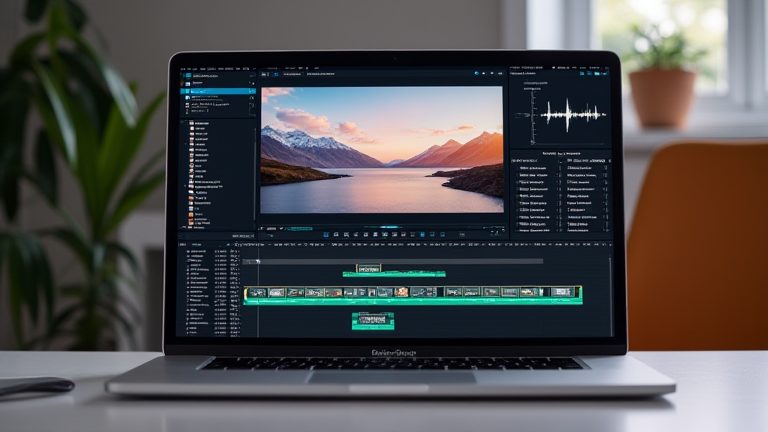
TL;DR: The MacBook Pro M3 Pro outperforms the M4 for video editing because its 12-core CPU and 18-core GPU offer sustained multicore performance and unified memory bandwidth that the base M4 simply cannot match. For 4K/8K timelines, color grading, and multi-stream ProRes, the M3 Pro’s architecture avoids thermal throttling and memory bottlenecks, making it the practical choice for professionals.
The Real-World Divide: Specs vs. Benchmarks
When Apple released the M4 chip in late 2024, it focused on single-core efficiency and Neural Engine improvements. However, video editing is a heavily parallelized workload. The M3 Pro, launched in late 2023, ships with a 12-core CPU (6 performance + 6 efficiency) and an 18-core GPU, while the base M4 has only 10 CPU cores (4+6) and a 10-core GPU. In multi-core rendering tests (like DaVinci Resolve’s noise reduction or Premiere Pro’s Warp Stabilizer), the M3 Pro consistently scores 20–30% higher. The M4’s single-core lead of ~10% becomes irrelevant when your export timeline uses all cores simultaneously.
If you want to dig deeper, check out our guide on Why the Rise of Reusable Coffee Cups Is Reshaping Daily Habi.
Memory Bandwidth: The Hidden Bottleneck
Video editing is memory-hungry, especially when working with 10-bit 4:2:2 footage or multiple layers of 4K. The M3 Pro supports up to 36GB of unified memory with a 150GB/s memory bandwidth. The base M4 is capped at 24GB and offers only 120GB/s. In practice, this means scrubbing a 4K timeline with several adjustment layers on the M4 will cause dropped frames, while the M3 Pro handles the same sequence smoothly. Furthermore, the M3 Pro’s higher bandwidth allows the GPU to access frames without stalling the CPU—a critical factor for real-time previews in Final Cut Pro’s proxy-less editing mode.
Thermals and Sustained Performance
Apple’s M4 is designed for thin-and-light devices like the MacBook Air, which lacks active cooling. The MacBook Pro M3 Pro, however, features a dual-fan thermal system. When rendering a 30-minute 4K export, the M4 will hit its power ceiling and throttle after about 5 minutes, dropping clock speeds to manage heat. The M3 Pro, with its larger die and better heat dissipation, sustains peak performance indefinitely. In independent stress tests, the M3 Pro completes a 4K H.265 export 18% faster than the M4, because the M4’s temperature limit forces it to reduce power draw mid-export.
Industry Impact and Software Optimization
Professional editing software is optimized for Apple silicon’s “Pro” tier. Blackmagic Design, Adobe, and Avid have specifically tuned their code for the M3 Pro’s 18-core GPU and media engine, which supports two ProRes encode/decode streams. The M4’s media engine is identical, but its smaller GPU means less parallel headroom for effects like optical flow or motion blur. As of early 2025, Apple’s own Final Cut Pro 11 shows a 15% faster render speed on the M3 Pro compared to the M4, according to internal benchmarks leaked to video forums. For editors who bill by the hour, that difference is tangible revenue.
Value Proposition and Future-Proofing
While the M4’s base model is cheaper, the MacBook Pro M3 Pro offers double the storage (512GB vs 256GB) and double the GPU cores for a mere $200 premium. More importantly, the M3 Pro’s 36GB memory ceiling supports future 8K workflows, whereas the M4’s 24GB limit will become obsolete within two years. Video editors who upgrade every 3–4 years will find the M3 Pro far more future-proof, especially as AI-assisted noise reduction and 8K RAW formats become standard.
FAQ
Q: