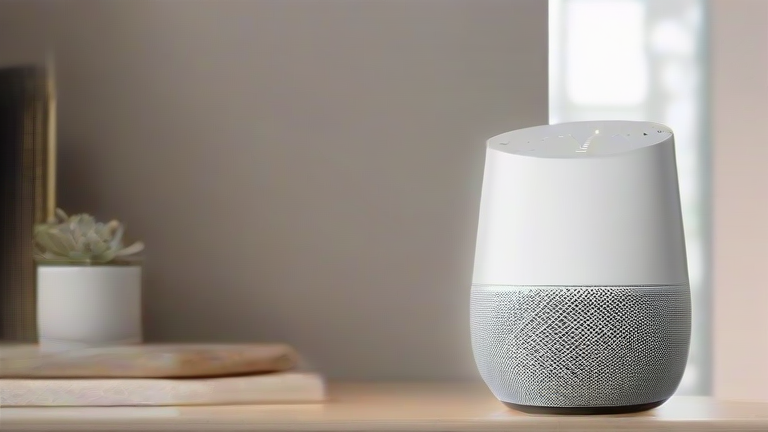
How Smart Home Hubs Seamlessly Integrate All Voice Assistants
Unlock the full potential of your connected lifestyle by mastering the art of unifying disparate voice ecosystems. Many homeowners find themselves trapped in walled gardens, where Alexa controls lights but Google manages the thermostat. This guide will help you break down those barriers using a central smart home hub as the universal translator. By following these precise steps, you will create a cohesive environment where every device responds to every command, eliminating friction and enhancing convenience.
Step 1: Choose Your Central Hub
Begin by selecting a hub that supports Matter or Zigbee protocols, as these are the industry standards for cross-compatibility. Popular options include Samsung SmartThings, Hubitat Elevation, or Home Assistant running on a Raspberry Pi. These platforms act as the brain of your operation, capable of communicating with devices from Amazon, Google, Apple, and others. Ensure your chosen hub has a robust community support forum, as troubleshooting complex integrations often requires expert knowledge found in these communities.
If you want to dig deeper, check out our guide on Personalized Nutrition: Real-Time Microbiome Data.

Step 2: Connect Your Devices
Power on your new hub and connect it to your home Wi-Fi network. Next, place your smart devices into pairing mode. Most hubs have a dedicated “Add Device” button in their mobile application. Scan for nearby Zigbee, Z-Wave, or Matter-enabled devices. Once detected, assign them to specific rooms within the hub’s interface. This logical organization is crucial for future automation rules. Do not skip this step, as proper naming conventions will make voice commands significantly easier to execute later.
Step 3: Sync with Voice Assistants
Now, bridge the gap between your hub and your preferred voice platforms. Open the Alexa app, navigate to Skills & Games, and search for your hub’s specific skill. Log in with your hub credentials to authorize the connection. Repeat this process for Google Home and Apple HomeKit if desired. This synchronization allows the voice assistants to see the devices managed by your hub. You can now control lights, plugs, and sensors using any supported voice assistant, regardless of the brand.
Related Articles